
10 Best Crypto Portfolio Trackers for 2026
Your portfolio is probably scattered right now. Some coins sit on a centralized exchange, a few long-term bags live in cold storage, your DeFi positions are spread across multiple wallets, and your NFT exposure is hiding in a browser tab you forgot to bookmark. That setup is normal in crypto, but it gets messy fast when you're trying to answer basic questions like: What do I own, what's my real PnL, and what will tax season look like?
That's why the best crypto portfolio trackers matter more in 2026 than they did a few cycles ago. The market is more multi-chain, more DeFi-heavy, and more connected to broader Web3 activity like NFTs, Layer 2 ecosystems, tokenized real-world assets, and AI-driven portfolio tooling. Spreadsheets still work for a while, but once you've got wallets on Ethereum, Solana, or Polygon, smart contract positions, and a few exchange accounts, manual tracking starts breaking down.
The better approach is to pick a tracker that matches how you use crypto.
If you're deep in on-chain activity, you need wallet-native visibility. If you're focused on compliance, tax workflows matter more than fancy dashboards. If you view crypto as one part of a bigger balance sheet, you need a broader wealth view instead of a trader terminal.
This list ranks the best crypto portfolio trackers by real user archetype, not just feature density. That makes the decision easier, because many investors don't need ten tools. They need the right two or three.
Table of Contents
- 1. CoinStats
- 2. CoinTracker
- 3. CoinTracking
- 4. Delta by eToro
- 5. Kubera
- 6. Zapper
- 7. Zerion
- 8. DeBank
- 9. rotki
- 10. Nansen Portfolio
- Top 10 Crypto Portfolio Trackers, Feature Comparison
- Final Thoughts
1. CoinStats
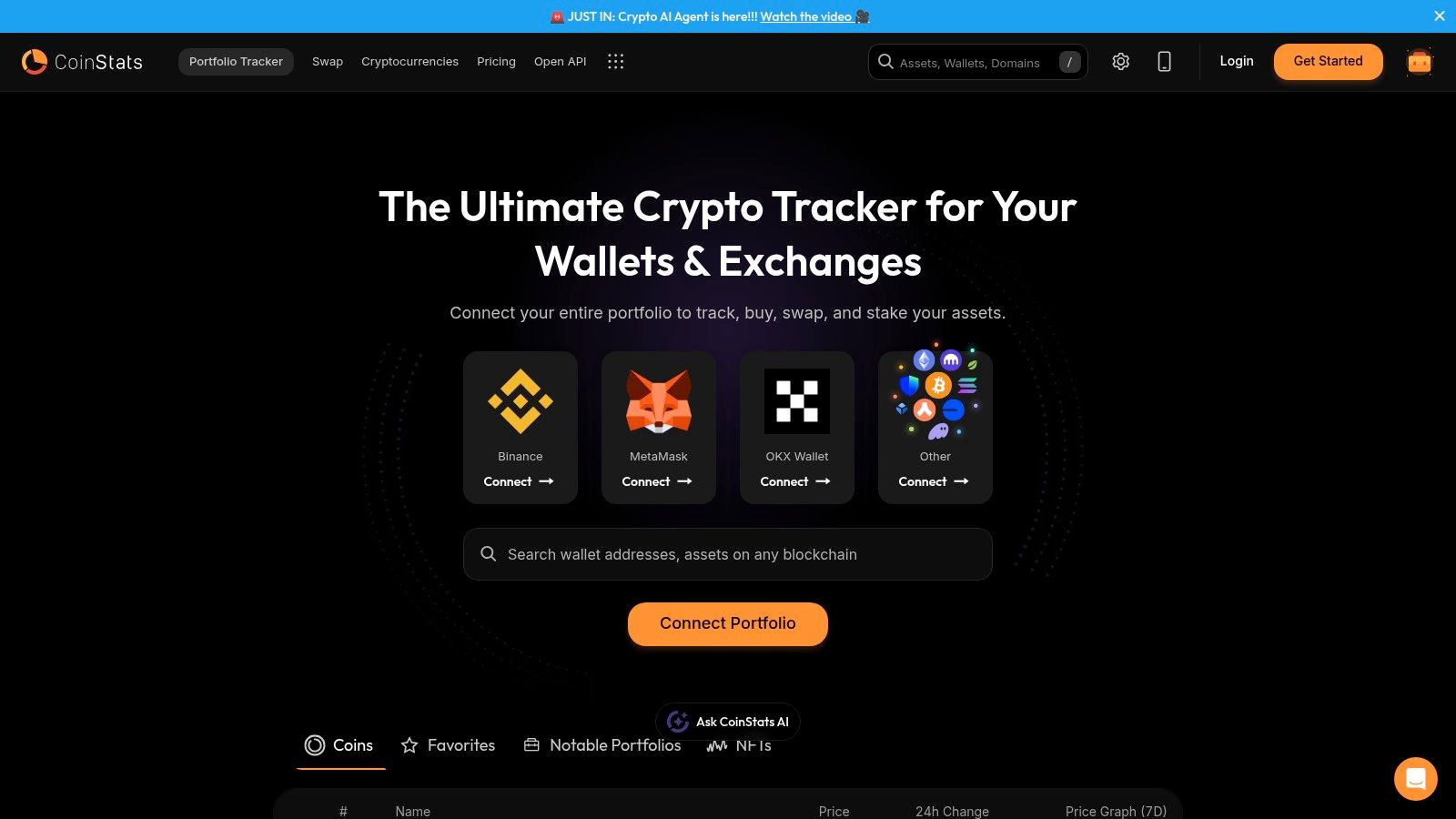
CoinStats is the easiest recommendation for the broadest group of users. It sits in the sweet spot between beginner-friendly setup and serious multi-platform tracking, which is why it keeps showing up near the top of best crypto portfolio trackers lists.
Its official portfolio page says it's trusted by over 1 million users worldwide, and that user adoption matters because broad support usually follows broad usage in crypto apps. CoinStats also supports 20,000+ assets and integrates across 300+ exchanges, including Binance, OKX, and MetaMask, according to the CoinStats portfolio page.
Why CoinStats fits most retail crypto users
CoinStats works well when your crypto life is mixed. Maybe you've got BTC on an exchange, some ETH in a self-custody wallet, a few DeFi positions, and the occasional NFT you still want counted in your net worth. CoinStats handles that kind of reality better than tools that only focus on tax or only focus on on-chain wallets.
Its free tier allows tracking up to 1,000 transactions, and paid plans start at $13.99 per month for more advanced features like wallet integration and tax reporting, according to the official Google Play listing for CoinStats. That pricing structure makes sense for people graduating from manual tracking but not ready for an institutional analytics stack.
- Best for mixed portfolios: Good for people holding Bitcoin, Ethereum, altcoins, DeFi tokens, and NFTs in one dashboard.
- Best habit builder: Mobile-first design makes it more likely you'll check allocations, alerts, and PnL.
- Watch the trade-off: Some users still prefer exchange-native pricing for exact spot comparisons.
Practical rule: If you're still early in your journey, start with a tracker that reduces friction instead of one that maximizes analytics. That usually means CoinStats before something heavier. For newer investors, this beginner crypto investing guide pairs well with that approach.
2. CoinTracker
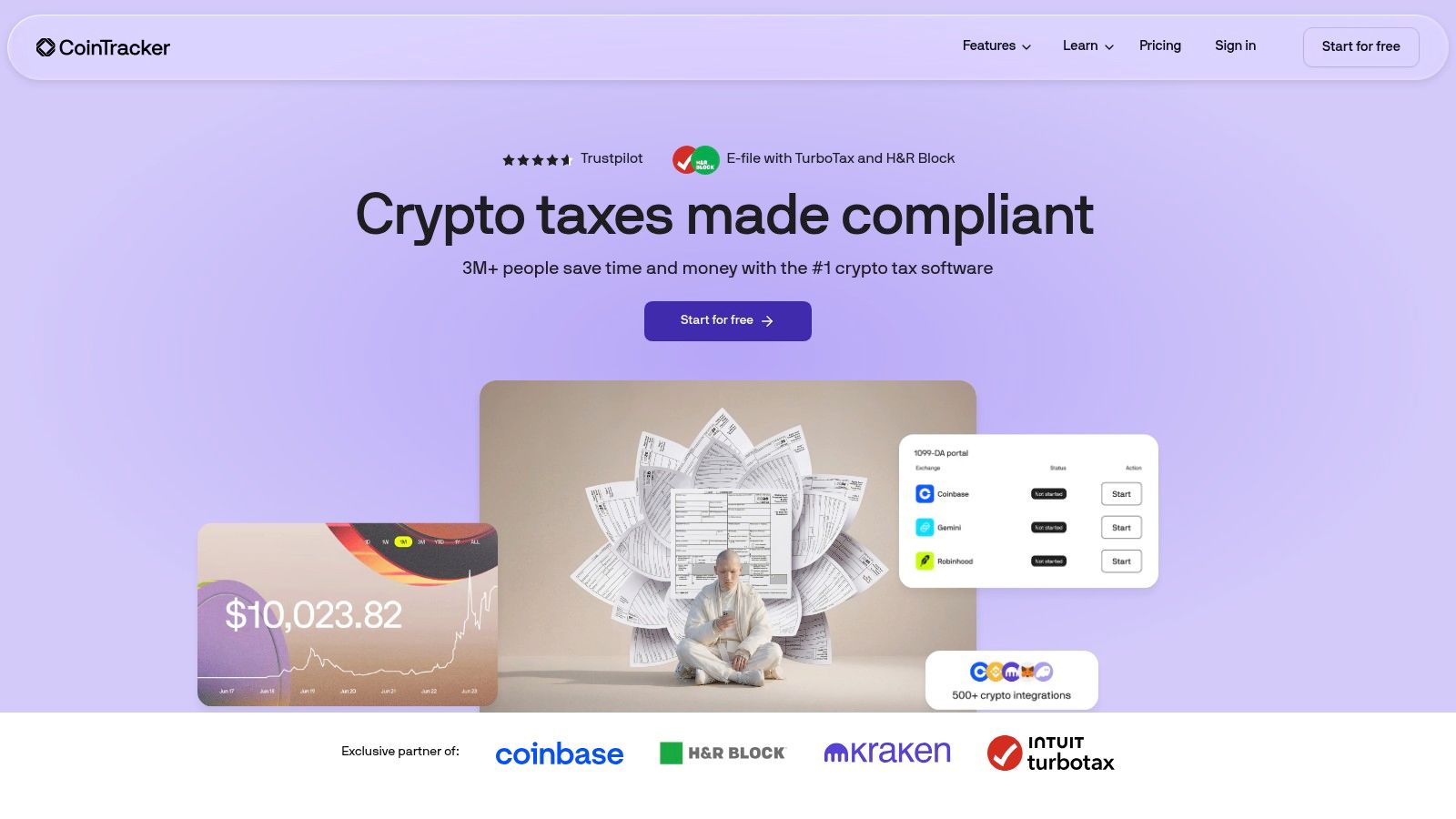
CoinTracker is the one I'd point most tax-conscious investors toward first. Plenty of trackers can show balances. Fewer tools make portfolio tracking and tax reporting feel like one workflow instead of two separate cleanup jobs.
That difference matters most for users in jurisdictions where crypto tax reporting has become part of normal portfolio maintenance. CoinTracker's core appeal is that it's built around reconciliation, reporting, and compliance-oriented portfolio visibility, rather than just a prettier asset dashboard.
Where CoinTracker wins
If your portfolio activity includes swapping, staking, moving funds between exchanges, and touching DeFi, tax complexity usually arrives before you expect it. CoinTracker is useful because it keeps that tax layer close to the portfolio layer.
In practice, it's a better fit for investors who want to review performance and tax implications together, especially if they make decisions based on realized gains rather than raw token counts. It also suits traders who are already thinking in yearly tax cycles, not only bull-market upside.
- Best for tax workflow: Strong fit for users who want tracking plus tax reporting in one system.
- Best for U.S.-leaning users: The product positioning clearly aligns with filing workflows and annual reporting.
- Main trade-off: Heavy on-chain users can run into plan constraints faster than they expect because transaction-based pricing matters more when you're active in Web3.
A lot of traders learn this too late. They optimize entries, ignore recordkeeping, and then scramble later. If that sounds familiar, these crypto trading strategy habits are worth tightening up before the transaction history gets worse.
Clean tax data isn't a back-office detail in crypto. It's part of portfolio management.
3. CoinTracking
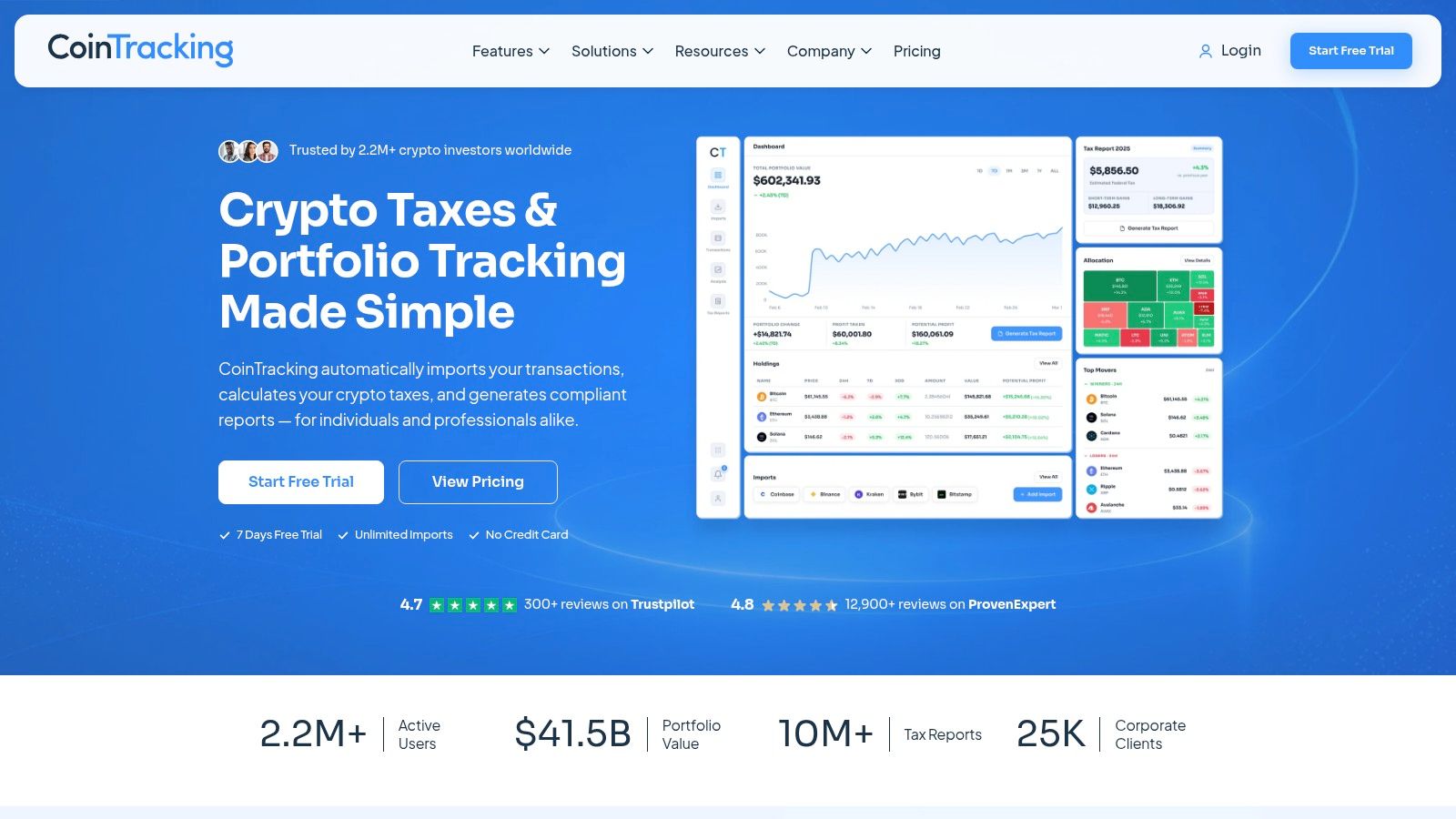
Open a wallet history that spans three bull runs, half a dozen exchanges, old API imports, and a few forgotten altcoin trades. That is the kind of mess CoinTracking handles better than prettier apps.
CoinTracking fits the Tax-Conscious Investor who also trades like a power user. The product has been around since 2013, and its own CoinTracking features and pricing pages make the positioning clear: this is a reporting-first platform with broad exchange support, detailed trade imports, tax outputs, and a long list of portfolio analytics. The interface feels dated in places, but that trade-off usually favors users who care more about auditability than aesthetics.
What stands out after real use is the reporting depth. CoinTracking gives you granular views into trade history, gains, balances, and transaction-level classification. If you need to reconstruct cost basis from years of activity, check wallet transfers against exchange imports, or hand records to an accountant without cleaning everything in spreadsheets first, it does that work well.
It is less polished than CoinTracker. It is often more flexible once your history gets ugly.
Where CoinTracking earns its place
CoinTracking is strongest for users with long, messy transaction histories and a clear need for records that hold up under review. That includes active traders, miners, early adopters who still carry ancient bags, and anyone dealing with manual imports from platforms that no longer exist.
- Best for historical reconstruction: Strong fit if you need to sort old trades, wallet movements, and partial records across many venues.
- Best for tax-heavy portfolios with edge cases: Useful when your activity goes beyond simple spot buys and sells.
- Best for spreadsheet-minded users: The product rewards people who want control and detail, not just a clean mobile dashboard.
- Main trade-off: The interface asks for patience. Casual holders will probably find it heavier than necessary.
The free tier is enough to test the workflow, and paid plans make more sense once your transaction count grows. That is the common pattern with CoinTracking. It starts as a tracker, then becomes a cleanup tool once portfolio history turns into a recordkeeping problem. If you are sorting through old positions after a rough cycle, this bear market survival guide pairs well with the kind of discipline CoinTracking rewards.
4. Delta by eToro
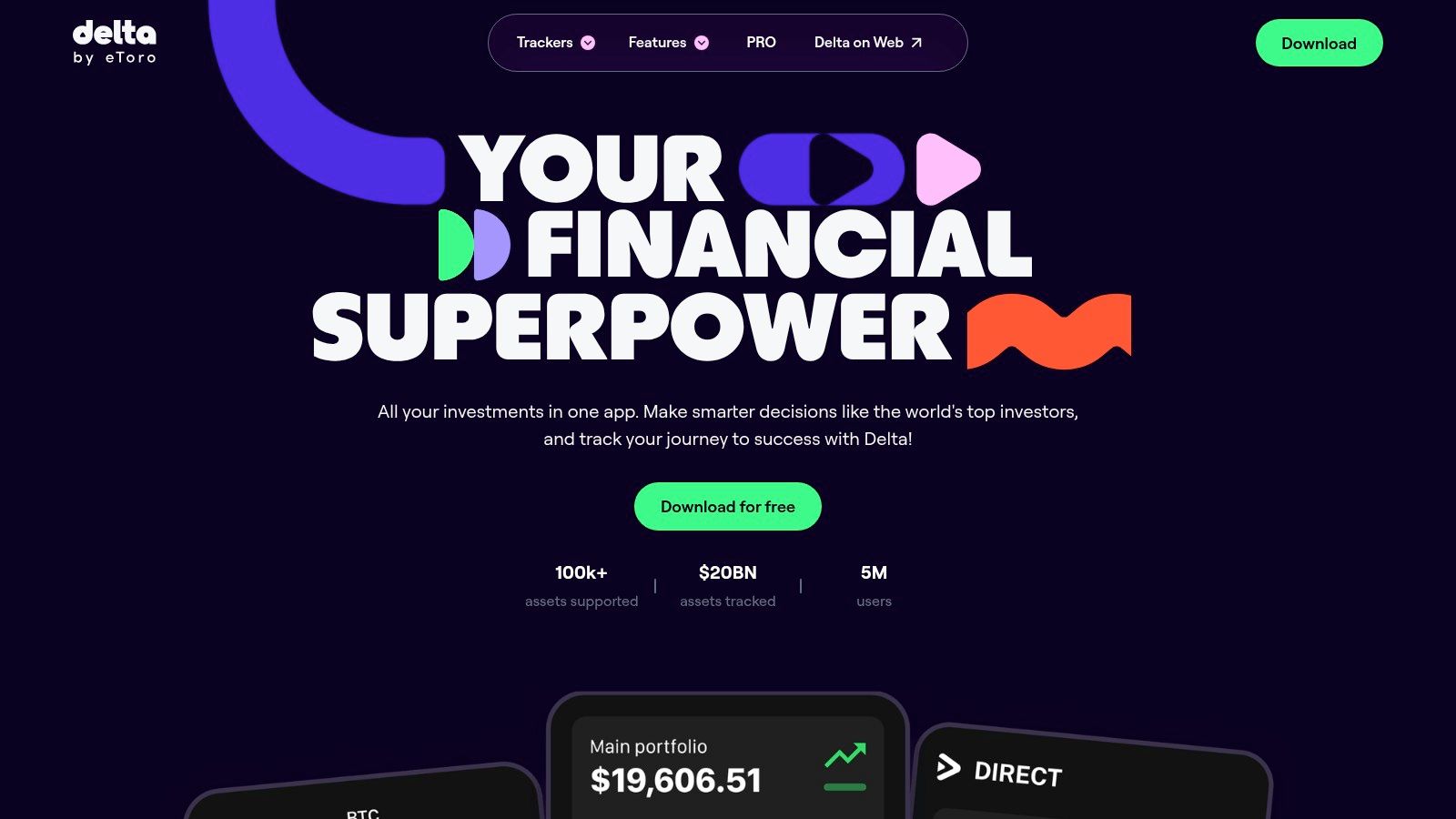
Delta by eToro is one of the best crypto portfolio trackers for investors who don't think in crypto-only terms. That's the key distinction. If your capital sits across digital assets, equities, funds, and maybe NFTs, Delta gives you a cleaner all-assets snapshot than most crypto-native apps.
Its mobile-first feel is the main selling point. Delta is the kind of app that makes checking allocation drift, watchlists, and portfolio movement feel natural instead of like accounting homework.
Best use case for Delta
Delta makes the most sense for users who want crypto in the same frame as the rest of their investing life. That includes people rotating between risk assets, comparing crypto exposure with stock exposure, or treating Bitcoin and Ethereum as part of a broader wealth strategy instead of a separate universe.
That approach is becoming more useful as crypto intersects more directly with AI infrastructure plays, tokenized real-world assets, and public-market narratives around blockchain adoption. A lot of people no longer want a crypto tracker only. They want a portfolio tracker that happens to understand crypto well.
- Best for multi-asset investors: Strong fit if you hold crypto alongside traditional assets.
- Best for mobile use: Interface quality is a big part of the product value.
- Main limitation: It tracks well, but it isn't the place to solve tax complexity in a built-in U.S. filing workflow.
If your question is, “What's my entire investing picture today?” Delta is usually stronger than a DeFi-native dashboard. If your question is, “What happened inside this LP position on Layer 2 last month?” you'll want something more specialized.
5. Kubera
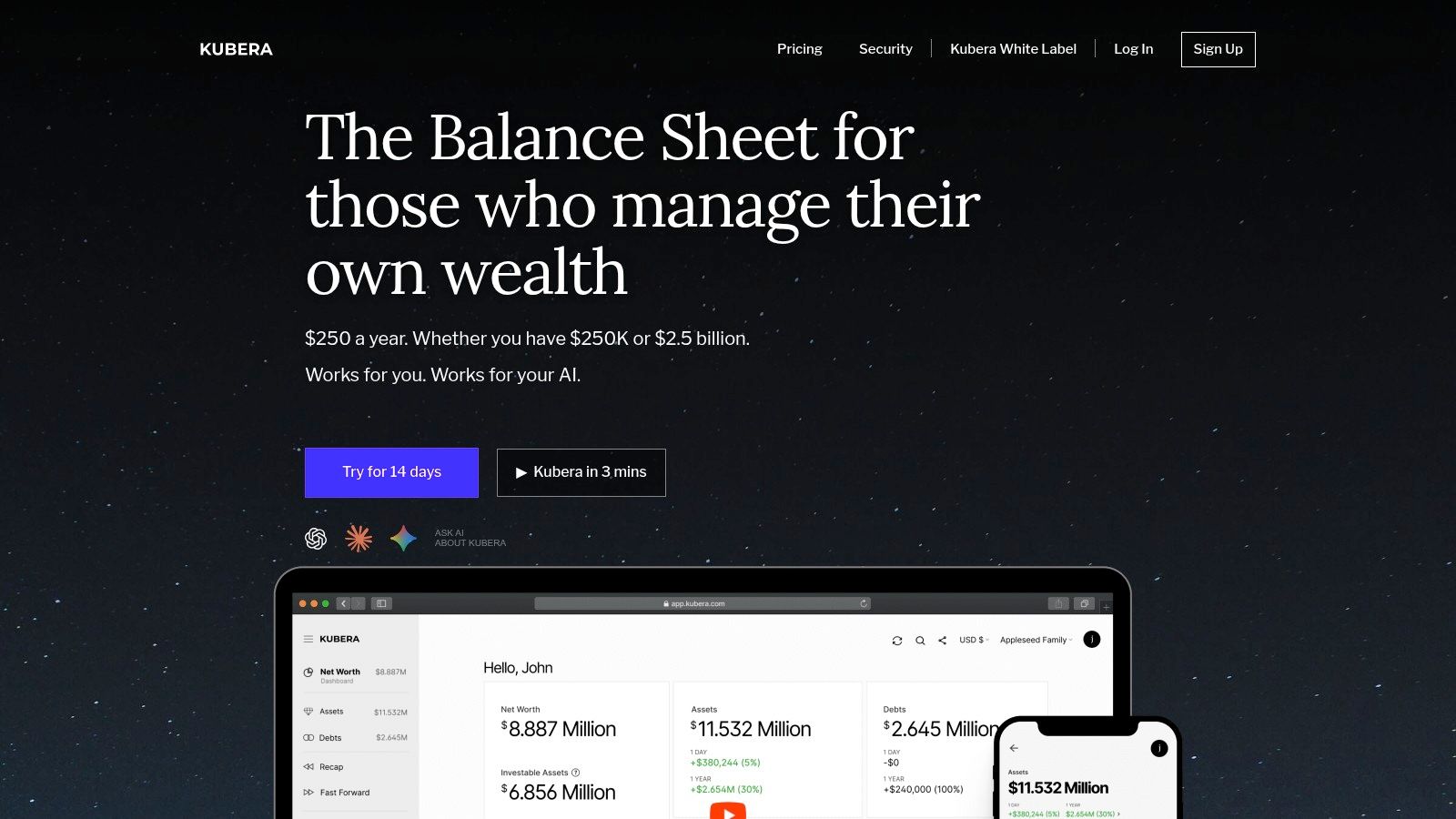
Kubera belongs in a different category from most tools on this list. It isn't trying to be your DeFi terminal or your trading notebook. It's a balance-sheet app for people who want crypto treated as a real part of total net worth.
That's a big distinction, and for the right user, it matters more than any token-level chart.
Where Kubera stands out
Kubera is the best fit for the holistic wealth manager archetype. Think founders, high-net-worth investors, family-office-style operators, or anyone who wants one place to view crypto, bank accounts, brokerage assets, private holdings, and real estate together.
This is also where the privacy conversation becomes more important. A Kubera blog discussion points out that many best crypto portfolio trackers reviews still underplay privacy and security risks for high-net-worth users, even as demand for non-custodial tracking has grown after the FTX collapse. That same Kubera privacy-focused portfolio discussion argues that readers increasingly care which tools expose wallet histories or balances to third parties.
For larger portfolios, the wrong tracker isn't just inconvenient. It creates unnecessary data exposure.
Kubera works best when your main question isn't “What's my best-performing altcoin?” but “What does my entire financial picture look like across entities, accounts, and asset classes?” Its trade-off is equally clear. It's broad, not trader-grade. If you need deep PnL analysis for constant on-chain activity, another tool will handle the crypto layer better.
6. Zapper
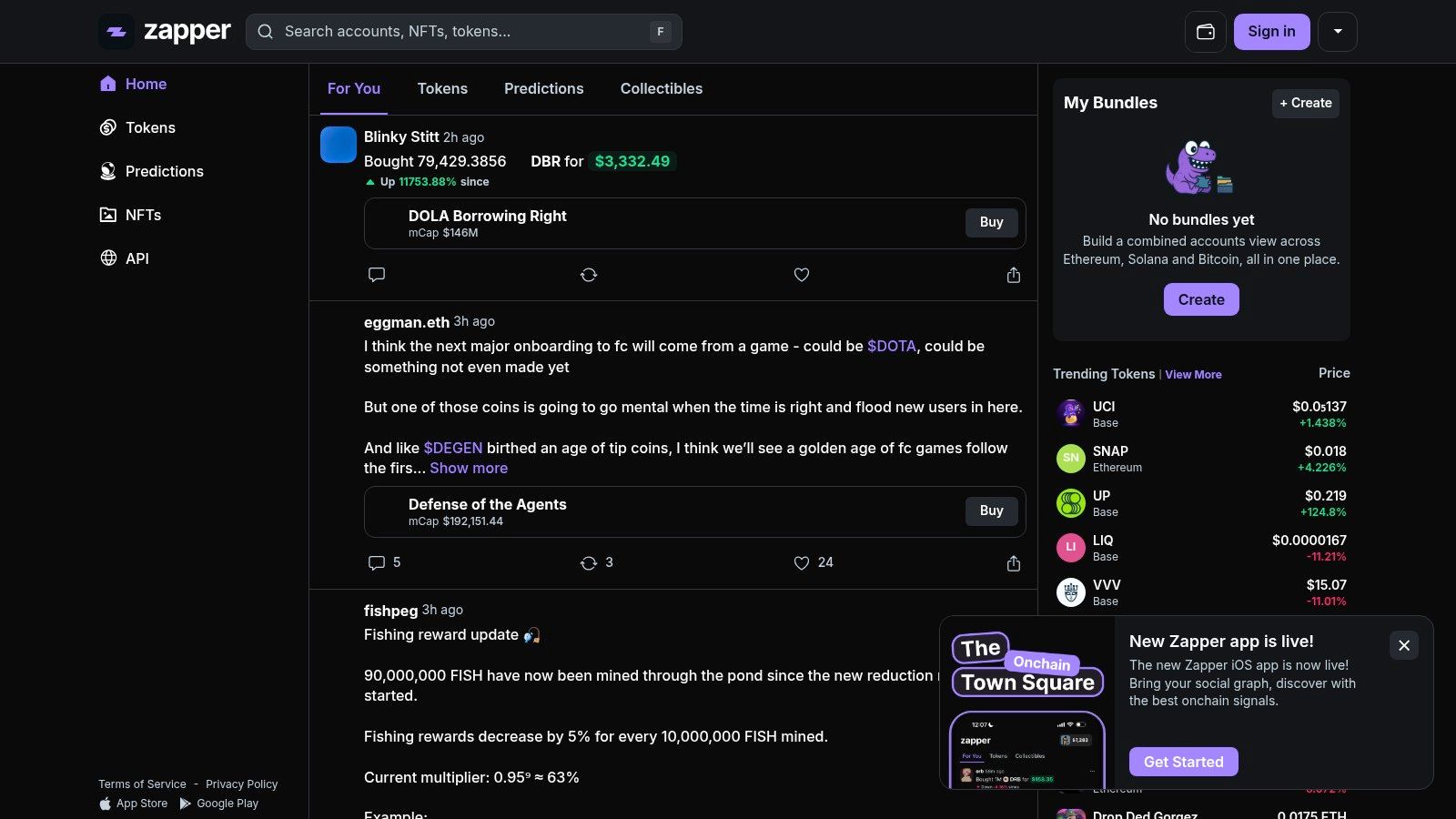
Zapper is one of the cleanest answers for the DeFi Degen archetype. Open your wallet, scan positions, check LPs, staking, debt, NFTs, and move on. That's what it's good at.
It's wallet-first and on-chain-native, which means it feels much closer to how actual DeFi users operate. You're not importing a bunch of centralized exchange accounts and trying to make that look elegant. You're tracking your wallets as they exist on-chain.
Why DeFi natives like Zapper
Zapper shines when your portfolio lives inside smart contracts. If you use EVM chains heavily, it gives you a fast view of token balances, protocol positions, and NFTs without making you hand over custody. It also supports in-app swaps and bridges through routing partners, which makes it useful as a control panel, not just a passive tracker.
That matters in a market where Layer 2 activity, cross-chain routing, and wallet-based behavior are central to portfolio management. A DeFi portfolio isn't just coins in a list. It's collateral, yield positions, debt, liquidity exposure, and sometimes governance tokens you forgot you even had.
- Best for EVM wallets: Strong fit for Ethereum and EVM-chain users.
- Best for non-custodial visibility: You can inspect wallet activity without turning the app into a centralized asset silo.
- Main limitation: If a large chunk of your capital stays on centralized exchanges, Zapper won't replace a broader tracker.
If you're working mostly from a self-custody setup, especially with wallets like Phantom on the non-EVM side, understanding the wallet layer matters first. This Phantom wallet explainer is useful context before choosing a wallet-centric tracker.
7. Zerion

Zerion feels like a portfolio tracker built by people who use wallets every day. It combines non-custodial wallet functionality with portfolio visibility across supported EVM networks, and that blend is what makes it practical.
For many users, the experience is smoother than heavier analytics tools. You check holdings, DeFi positions, NFTs, and in-app activity in one place, without turning the setup into a spreadsheet migration project.
Best fit for Zerion
Zerion is best when you want a wallet app and a portfolio app to overlap. That's especially useful for people who actively move between swaps, bridges, and DeFi positions but still want a clean, consumer-friendly interface.
Its Premium layer adds features power users value, like CSV export, wallet PnL, and reduced in-app trading fees. These are not groundbreaking features on their own, but together they make Zerion more useful for regular on-chain operators.
A few practical trade-offs matter:
- Best for wallet-native users: Great fit if your activity is mostly on EVM networks.
- Best UX balance: Easier to live with daily than some analyst-first tools.
- Main gap: It doesn't solve centralized exchange aggregation natively, so it's not ideal as your only tracker if you still keep large balances on CEXs.
If Zapper feels like a dashboard first, Zerion feels like a wallet-first operating environment with solid tracking built in.
8. DeBank
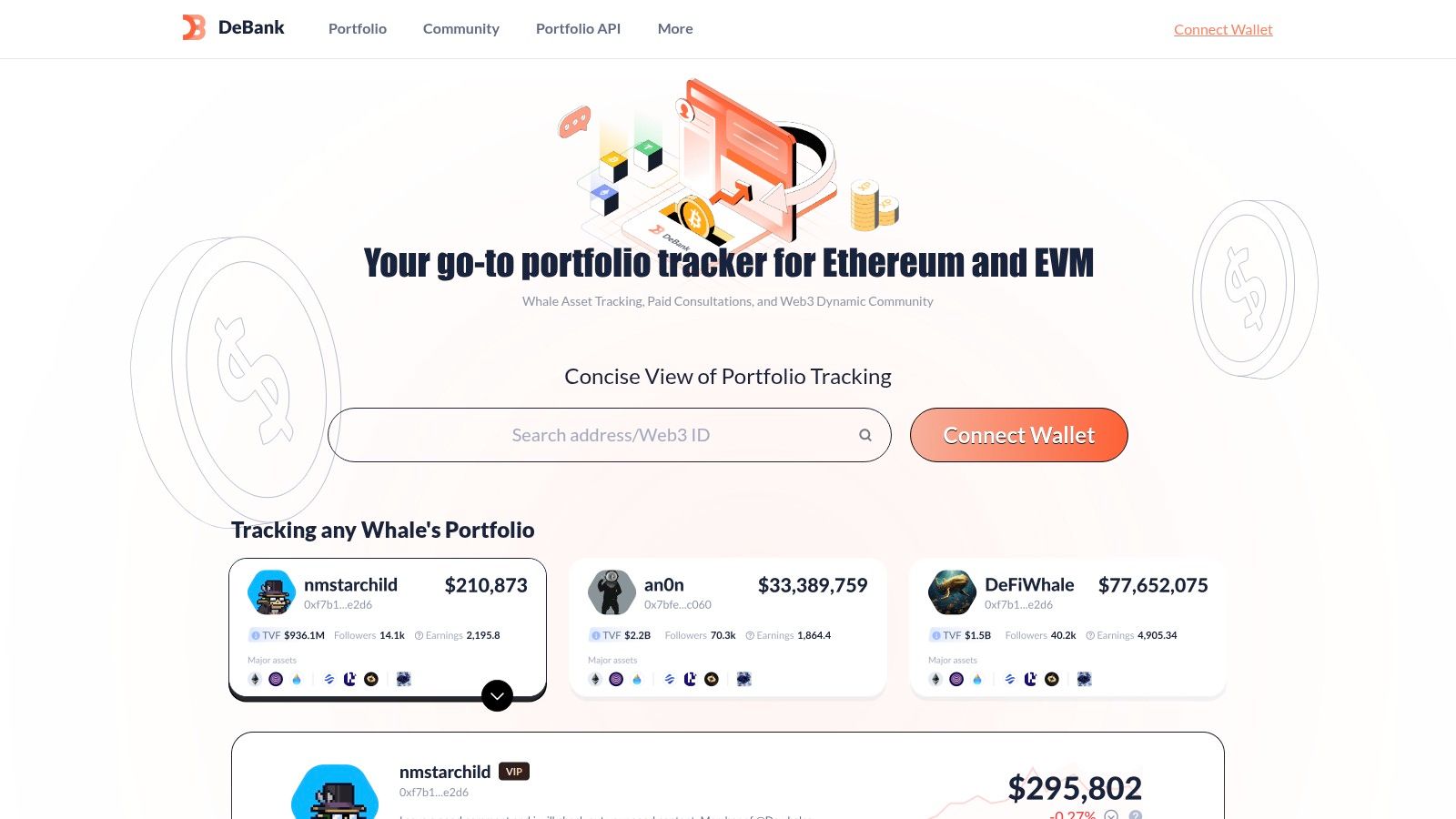
DeBank is fast, opinionated, and very good at one thing. It lets you inspect on-chain wallets across Ethereum and other EVM ecosystems with minimal friction.
That focus is why a lot of DeFi users keep it open in a permanent tab. You don't use DeBank because it's trying to be your everything app. You use it because you want to see what a wallet is doing right now.
What DeBank does better than most
DeBank is one of the strongest tools for wallet-centric discovery. You can check token holdings, protocol exposure, allowances, and activity patterns quickly. For users who monitor other addresses, research smart money behavior informally, or keep tabs on ecosystem flows, that speed is the feature.
It also pairs well with Rabby and with a more research-driven style of investing, especially in DeFi sectors where wallet behavior says more than marketing pages. That makes it useful for users tracking tokenomics shifts, governance participation, and protocol-level capital movement.
Sometimes the best tracker isn't the one with the most features. It's the one you can query fastest when a market move starts.
The limitations are clear too. DeBank is mainly for EVM chains, and it won't solve centralized exchange balances. It's also more web-native than polished-app-native. If your crypto activity is heavily wallet-based, that trade-off is usually worth it. If not, it can feel partial.
9. rotki
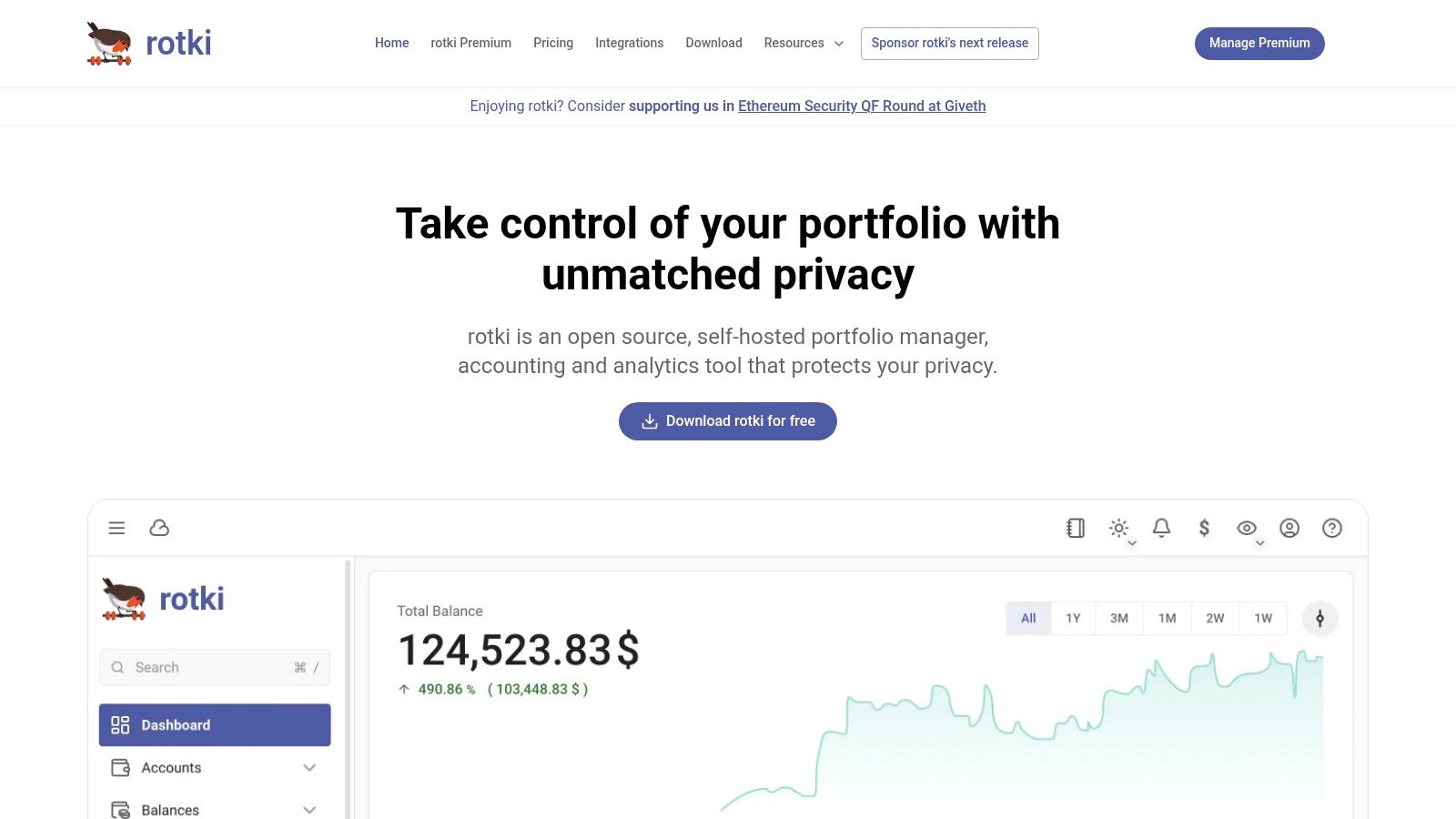
rotki is for people who care about data ownership enough to accept a steeper setup curve. That's a smaller audience than the marketing pages of most apps suggest, but it's a serious one.
rotki's appeal starts with its local-first, privacy-first design. If you don't like the idea of your full wallet history, balances, and accounting data living inside someone else's hosted product, rotki immediately makes sense.
Who should choose rotki
This is the best crypto portfolio tracker for the self-sovereign user. It supports multiple accounting methods and focuses on detailed reporting without making you surrender control of your data architecture. That's particularly valuable for users who want a closer grip on how gains, losses, and transaction histories are classified.
The trade-off is obvious. rotki isn't plug-and-play in the same way as a polished mobile-first app. It rewards users who are willing to invest setup time in exchange for transparency and control.
- Best for privacy-first users: Strong choice if local data ownership matters to you.
- Best for custom accounting logic: Useful for people who care about method selection and precise records.
- Main drawback: It asks more from the user during setup and ongoing maintenance.
That trade-off can be worth it in illiquid markets too, where tracking cost basis and exit realism matters just as much as headline portfolio value. If you're thinking about how tradable your holdings really are, this guide to crypto liquidity adds important context.
10. Nansen Portfolio
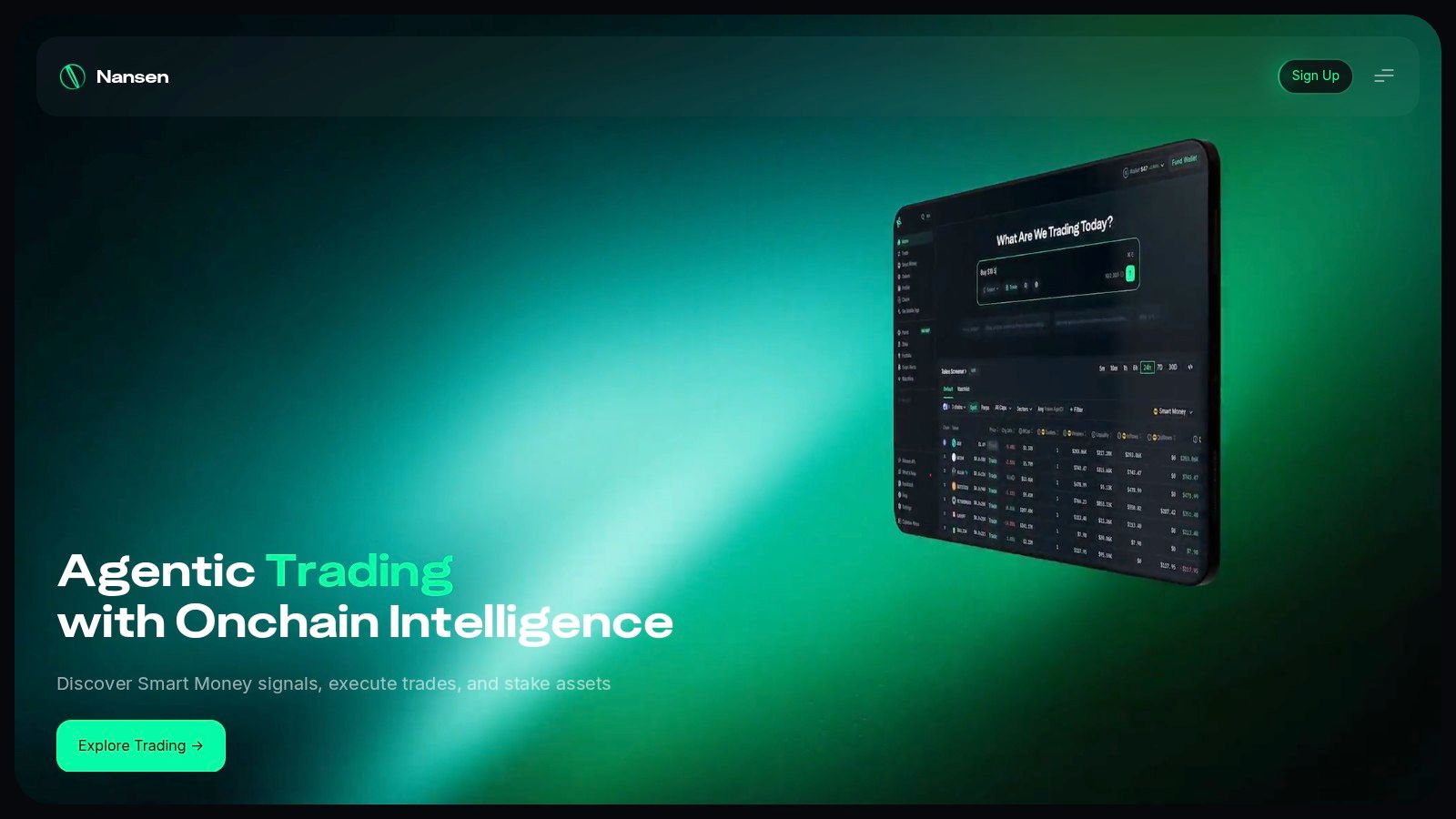
You spot a wallet rotating out of one L2 ecosystem, adding size in a new protocol, and front-running the broader market narrative. A basic tracker will show the balances. Nansen Portfolio shows why the move matters.
That difference puts Nansen in a specific bucket in this article's framework. It is the pick for the DeFi Degen who cares less about neat net-worth snapshots and more about who is buying, where capital is moving, and which wallets are worth monitoring.
Why Nansen stands out
Nansen works best for advanced on-chain users, research teams, and serious DeFi participants who want portfolio tracking tied directly to wallet intelligence. The product is stronger as part of Nansen's broader analytics stack than as a standalone retail tracker, which is both its edge and its limitation.
The practical benefit is context. Tagged wallets, protocol-level activity, and smart money monitoring help explain portfolio changes instead of just recording them. If you actively trade on narrative shifts, monitor funds, or track ecosystem rotation across chains, that context is often more useful than another polished PnL dashboard.
There is a trade-off. Nansen is not the best all-purpose portfolio tracker for someone who needs wide centralized exchange support, simple tax exports, or a clean household balance-sheet view. Users in those camps usually fit better into the Tax-Conscious Investor or Holistic Wealth Manager archetypes.
Nansen earns its place here because it turns portfolio tracking into research workflow. For DeFi-native users, that matters. You are not only checking what you own. You are checking whether the wallets that tend to move first are confirming or contradicting your thesis.
Top 10 Crypto Portfolio Trackers, Feature Comparison
| Product | Core features & Unique ✨ | UX & Quality ★ / 🏆 | Target audience 👥 | Pricing / Value 💰 |
|---|---|---|---|---|
| CoinStats | ✨ Multi-exchange & wallet sync, custom alerts, high tx ceilings | 4★, Mobile + web, trial available 🏆 | 👥 Power users & active trackers who need wide sync | 💰 Free + Premium + “Degen” tiers; in‑app pricing varies |
| CoinTracker | ✨ Portfolio + integrated tax reporting & 1099 workflows | 4★, Clear tax workflows (US-focused) | 👥 US users needing portfolio + tax reconciliation | 💰 Free + tx-count tiers; 30‑day refund policy for unused forms |
| CoinTracking | ✨ 400+ imports, 25+ tax reports, “Unlimited” plan | 4★, Veteran tool (since 2012) 🏆 | 👥 Active traders & tax professionals with heavy volume | 💰 Public pricing, multiple durations (incl. lifetime) |
| Delta by eToro | ✨ Multi-asset (crypto, stocks, NFTs), mobile-first UX | 4★, Excellent mobile experience 🏆 | 👥 Investors who track crypto alongside other assets | 💰 Free core, PRO/PRO+ in‑app pricing varies |
| Kubera | ✨ Net-worth balance sheet: banking, crypto, real estate | 4★, Premium wealth dashboard 🏆 | 👥 High-net-worth users & estate modeling needs | 💰 Simple public pricing, 14‑day trial (no AUM fees) |
| Zapper | ✨ EVM DeFi & NFT dashboard, non-custodial swaps/bridges | 4★, Clean DeFi/NFT view, fast & free 🏆 | 👥 On‑chain wallet users & DeFi builders | 💰 Free to view; service/routing fees may apply on trades |
| Zerion | ✨ Non‑custodial EVM wallet, swaps, Premium CSV & P&L | 4★, Strong EVM UX | 👥 EVM users wanting trading + wallet P&L | 💰 Free + Zerion Premium (fee discounts, CSV export) |
| DeBank | ✨ Fast EVM portfolio lookups, token/protocol explorers | 4★, Very quick EVM coverage | 👥 DeFi explorers, auditors & on‑chain monitors | 💰 Free; non‑custodial (some feature integrations) |
| rotki | ✨ Open-source, local-first, multiple accounting methods | 3.5★, Privacy-first, self-hosted appeal | 👥 Privacy-conscious users & accountants | 💰 Free core desktop; paid Premium for cloud sync/features |
| Nansen Portfolio | ✨ On-chain portfolio + upgrade path to Pro analytics & APIs | 4★, Strong on-chain analytics 🏆 | 👥 Analysts, researchers & devs needing wallet attribution | 💰 Free basic; Pro subscription/API pricing varies |
Final Thoughts
The best crypto portfolio trackers aren't all competing for the same job. That's the mistake most roundups make. They compare every tool as if every reader needs the same dashboard, the same tax workflow, and the same mix of wallets and exchanges. Real portfolios don't work that way.
If you want one balanced recommendation for most users, CoinStats is the easiest place to start. It covers the common retail reality well: centralized exchanges, self-custody wallets, DeFi positions, alerts, and mobile access. It's broad without feeling too technical.
If taxes are your biggest operational headache, CoinTracker and CoinTracking stand out for different reasons. CoinTracker is the cleaner choice for users who want portfolio tracking tied closely to reporting workflows. CoinTracking is better when you need deep history, more reports, and more control over complicated records.
For DeFi natives, the shortlist is different. Zapper, Zerion, and DeBank all make sense, but they solve slightly different problems. Zapper is the most dashboard-like. Zerion is the smoothest if you want wallet and tracking behavior in the same app. DeBank is the fastest for wallet inspection and protocol-level monitoring. If your portfolio mostly lives in smart contracts and across Layer 2 networks, one of these will probably serve you better than a tax-first platform.
For broader wealth management, Delta and Kubera are the names that deserve attention. Delta is better when you want a polished multi-asset investing view. Kubera is better when you want a full balance-sheet perspective and care about crypto as one piece of total net worth, not an isolated asset class.
Then there are the specialist picks. rotki is for privacy-first users who want local control and are willing to trade convenience for sovereignty. Nansen Portfolio is for serious on-chain analysis, especially if your edge comes from wallet behavior, sector rotation, smart money tracking, and deeper Web3 intelligence rather than simple net worth snapshots.
One theme is getting harder to ignore. In the next phase of crypto adoption, tracking tools won't just show balances. They'll become operating layers for decision-making across DeFi, AI-enhanced analytics, tokenized real-world assets, and increasingly fragmented multi-chain ecosystems. The better products will help users understand not only what they hold, but what their exposure means.
Choose the tracker that matches your behavior, not the one with the longest feature page. In crypto, the tool you will use every week is almost always the right one.
Coiner Blog is building practical, no-hype coverage for people who want to understand crypto with more clarity. If you want more breakdowns on DeFi, Web3 tools, tokenomics, NFT ecosystems, Layer 2 trends, and the actual trade-offs behind blockchain products, follow Coiner Blog.