
Best Crypto Wallets For Beginners In 2026
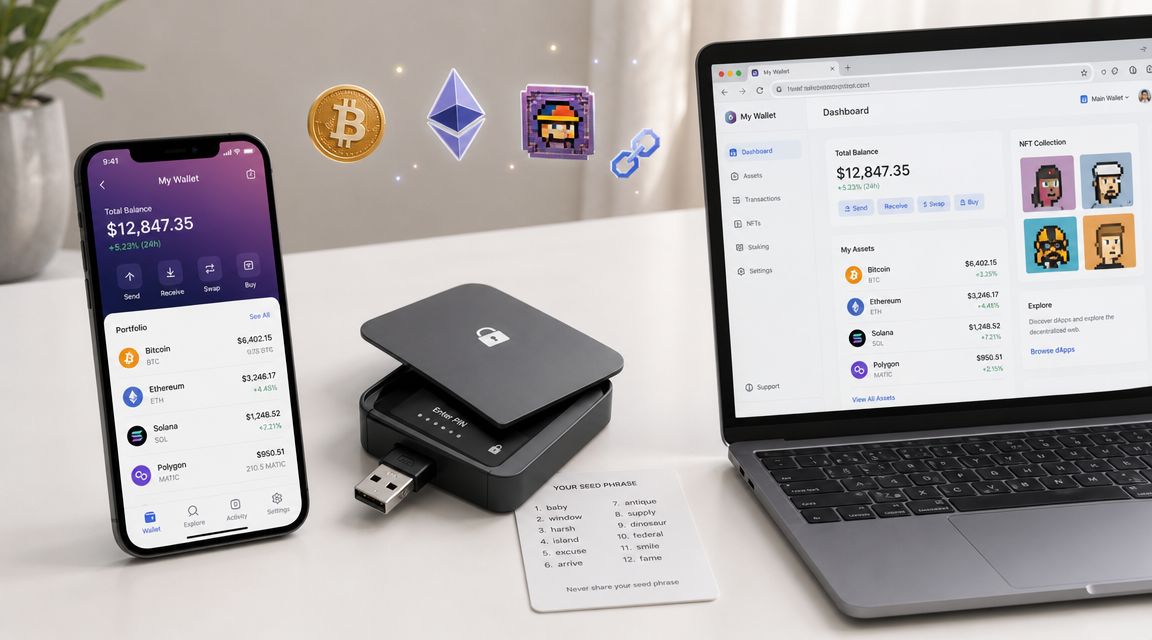
You bought your first Bitcoin or Ethereum on an exchange. Good start. The next decision matters more than most beginners realize.
A crypto wallet isn't just a place to “store coins.” It's the tool that lets you move from having exposure to crypto into using it. It becomes your login for Web3, your gateway to DeFi, your way into NFTs and onchain gaming, and, if you choose self-custody, the place where responsibility gets very real.
For beginners, the first big split is still custodial versus non-custodial. That distinction has shaped wallet design from the start. Custodial wallets usually feel easier because the provider handles account recovery and support, while self-custody puts the burden on you. NerdWallet's beginner setup guide describes the standard onboarding flow as choosing a wallet type, signing up or installing it, setting security features such as a recovery phrase, and then buying or transferring crypto into it. The same guide notes that software wallets commonly generate a 12- or 24-word seed phrase during setup, and losing that phrase can mean losing access permanently in a self-custody wallet, which is why many newcomers start with simpler recovery models or exchange-linked options in the first place (NerdWallet crypto wallet guide).
That's the frame for this list. This isn't a flat ranking. It's a beginner's journey. Start with the wallet that matches where you are today, then move up the control curve as your confidence grows.
Table of Contents
- 1. Coinbase Wallet
- 2. Coinbase custodial exchange wallet
- 3. MetaMask
- 4. Trust Wallet
- 5. Phantom
- 6. Exodus
- 7. ZenGo
- 8. Robinhood Wallet
- 9. Ledger Nano S Plus
- 10. Trezor Safe 3
- Top 10 Beginner Crypto Wallets: Feature Comparison
- Your Wallet, Your Web3 Journey
1. Coinbase Wallet
If you already use Coinbase to buy crypto, Coinbase Wallet is one of the easiest jumps into self-custody. It feels familiar, but it changes the core relationship. You control the wallet, not the exchange account.
That matters because many beginners don't start with Bitcoin-only use cases anymore. They start with mobile apps, NFT mints, token swaps, Base or other Layer 2 networks, and simple dApp connections. Coinbase Wallet is built for that middle stage between “I just bought crypto” and “I'm ready to use smart contracts on my own.”
Why it works well as a first self-custody wallet
The mobile app and browser extension give you room to grow without throwing you into the deep end. You can connect to dApps, use WalletConnect, view NFTs, and explore Ethereum and EVM ecosystems without needing the rougher interface that some older wallets still have.
What I like most is the safety UX. Coinbase Wallet gives clearer transaction previews and warning prompts than many beginner wallets. That doesn't make bad approvals impossible, but it does reduce the number of blind clicks.
- Best use case: Moving from exchange holding into first-time DeFi, NFTs, and Layer 2 activity
- What works: Familiar branding, cleaner approval screens, easier revoke and connection management
- What doesn't: Some features vary between mobile and extension, which can confuse new users
Practical rule: If a wallet helps you understand what you're approving, that matters more than an extra feature you won't use.
The trade-off is cost and consistency. Onchain actions still mean network fees, and swaps routed through Coinbase services can include additional disclosed fees or spread. For beginners, though, Coinbase Wallet gets an important thing right. It lowers fear without pretending self-custody is risk-free.
2. Coinbase custodial exchange wallet
Absolute beginners often need permission to start simple. Coinbase gives them that.
If your main goal is to buy your first crypto, hold it, learn basic transfers, and avoid locking yourself out on day one, a custodial account still makes sense. That's especially true if you haven't yet built the habits needed for self-custody. Password recovery and support are exactly why exchange-based wallets became such an important part of wallet adoption for new users in major markets, where ease of use often matters more than maximum control.
Best for buying first and learning safely
Coinbase handles the keys and backups in its primary custodial setup, which is the whole point. You can fund the account, buy, sell, convert, and get comfortable with market orders, balances, and transfers without worrying about seed phrase storage immediately.
That lower learning curve is valuable. For someone making a first purchase and trying to understand how wallets, exchanges, and addresses connect, custodial onboarding is usually less stressful than jumping straight into a raw self-custody app.
If you're still figuring out your first purchase, Coiner Blog's guide on how to invest in cryptocurrency for beginners is a solid companion read.
- Best use case: First-time buyers who want the easiest fiat on-ramp
- What works: Recovery processes, simpler support path, easy account funding
- What doesn't: You don't control the private keys in the main custodial account
This is the wallet stage many experienced users skip when giving advice, but it's often the stage that keeps beginners from making preventable mistakes. Start here if convenience and recovery matter most. Move on when you're ready to own the responsibility that comes with self-custody.
3. MetaMask
MetaMask is still the default answer for anyone entering Ethereum, DeFi, and the wider EVM universe. That reputation exists for a reason. If a dApp supports wallet connections, there's a good chance MetaMask is the first button you'll see.
For beginners, that kind of compatibility matters. You can use the browser extension or mobile app to access decentralized exchanges, NFT marketplaces, Layer 2 apps, token bridges, and smart contract tools without constantly running into support issues.
Where MetaMask shines and where beginners get in trouble
MetaMask is not the easiest wallet. It's the most useful wallet for a specific path. If your plan is to learn Ethereum, understand gas, try DeFi, and eventually use Layer 2 networks like Base, Arbitrum, or Optimism, MetaMask is still one of the best crypto wallets for beginners who want broad Web3 access.
Its large ecosystem of tutorials also helps. If you're still learning the underlying mechanics, Coiner Blog's primer on blockchain technology basics makes MetaMask easier to understand because it explains what the wallet is signing when you interact with a chain.
Most beginner MetaMask mistakes aren't technical. They come from approving transactions too quickly.
There's one cost detail worth knowing upfront. MetaMask says its swap feature includes a 0.875% service fee on top of gas and exchange costs (MetaMask official site). That convenience can be worth it for a first trade, but frequent users should compare routes.
MetaMask works best when you treat it as a serious tool, not a casual browser add-on. It rewards attention. It punishes autopilot.
4. Trust Wallet
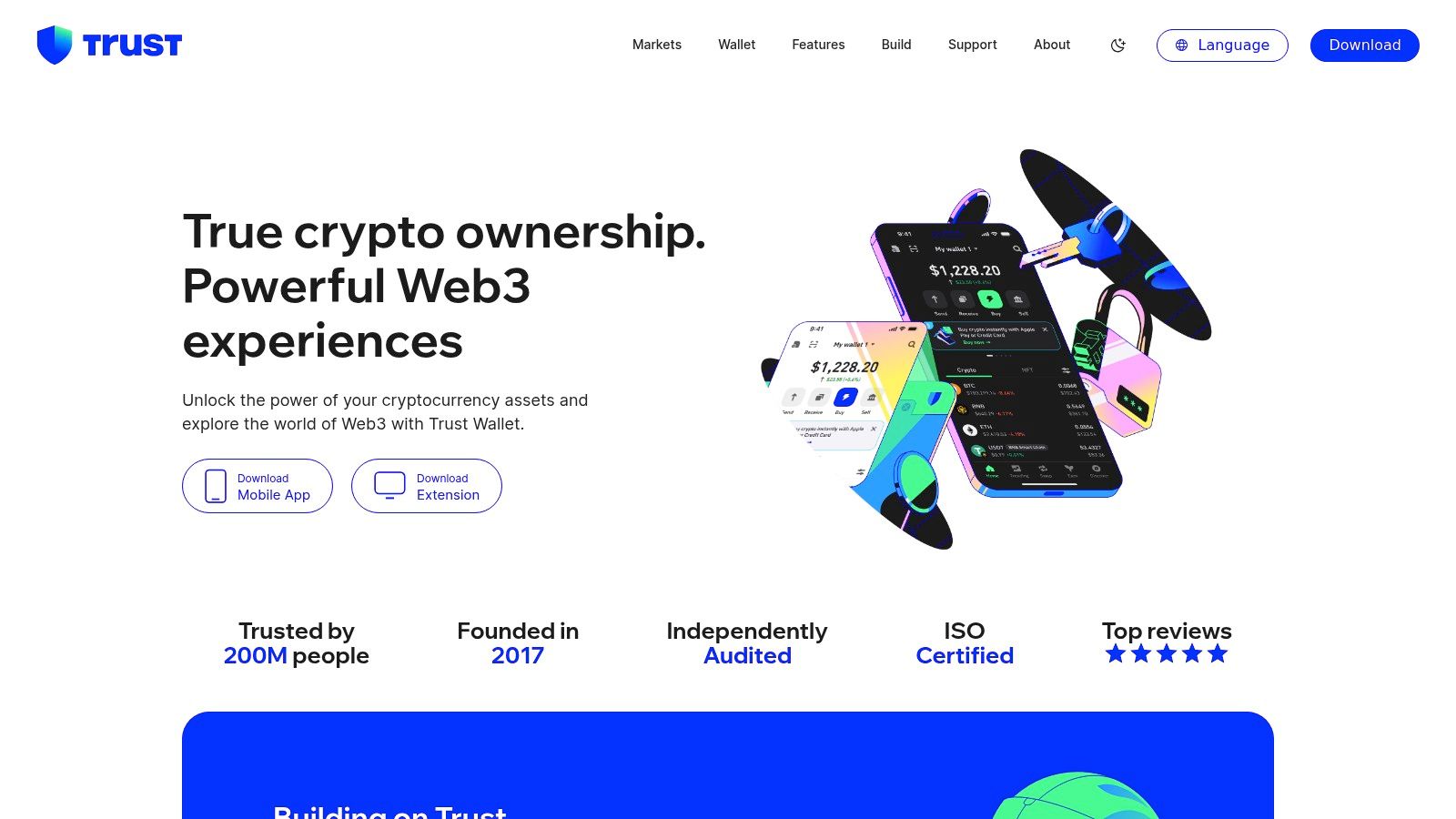
Trust Wallet is what I recommend to beginners who already know they won't stay inside one ecosystem. If you want one app that can handle Bitcoin, Ethereum, Solana, BNB Chain, and a lot more without constant wallet switching, Trust Wallet is the practical answer.
That broad support matters more now than it did a few years ago. Beginner wallet choice isn't just about “security versus convenience” anymore. It's also about ecosystem fit. Money's roundup of wallet picks shows a fragmented market where different products are best for beginners, Bitcoin, Solana, Web3, or hardware use, which is a useful reminder that your chain preferences shape your wallet choice as much as your security preferences (Money best crypto wallets roundup).
The appeal of one wallet for many chains
Trust Wallet's strength is simple. It makes multi-chain usage feel normal. You can buy, swap, stake, manage NFTs, and use a dApp browser without feeling like you need separate wallets for every category.
That said, broad support can create false confidence. Multi-chain wallets are convenient, but beginners still need to know which asset lives on which network. Sending the right token on the wrong chain is still a classic mistake.
- Best use case: Beginners who want one mobile-first wallet across many ecosystems
- What works: Wide chain support, simple interface, good all-purpose app
- What doesn't: In-app provider pricing can vary, and self-custody still means recovery responsibility unless you use an alternative recovery path
Trust Wallet is strong when your crypto life is messy in a normal beginner way. A little Bitcoin, some ETH, a Solana token, maybe an NFT, maybe staking. It keeps that from becoming ten apps and three browser extensions.
5. Phantom
Phantom started as the cleanest entry point into Solana, and that DNA still shows. It's fast, polished, and much less intimidating than many wallets beginners try first. If your interests lean toward NFTs, crypto gaming, meme coins, or mobile-friendly Web3 apps, Phantom often feels better than an Ethereum-first wallet.
That's why Phantom deserves a bigger role in beginner wallet conversations. Many new users in 2026 won't enter through old-school buy-and-hold behavior. They'll enter through mobile apps, gaming, collectibles, and dApps.
A better fit for mobile-first Web3 users
Phantom now supports more than Solana, which makes it more useful than people assume. You can branch into Ethereum, EVM assets, and Bitcoin while keeping the smoother UX that made Phantom popular in the first place.
Its scam warnings, approval prompts, NFT gallery, and Ledger integration all help. So does its speed. Solana-native interactions often feel faster and less clunky than what beginners experience on Ethereum mainnet.
If Phantom is already on your shortlist, Coiner Blog's walkthrough of what Phantom Wallet is and how it works gives useful context before you start moving funds.
If your first real crypto activity is on Solana, starting with MetaMask often creates friction you don't need.
Phantom isn't perfect. Some dApps still assume MetaMask first, especially in older EVM corners. But for a beginner who wants a modern wallet and expects crypto to feel like a mobile app instead of a command line relic, Phantom is one of the best crypto wallets for beginners right now.
6. Exodus
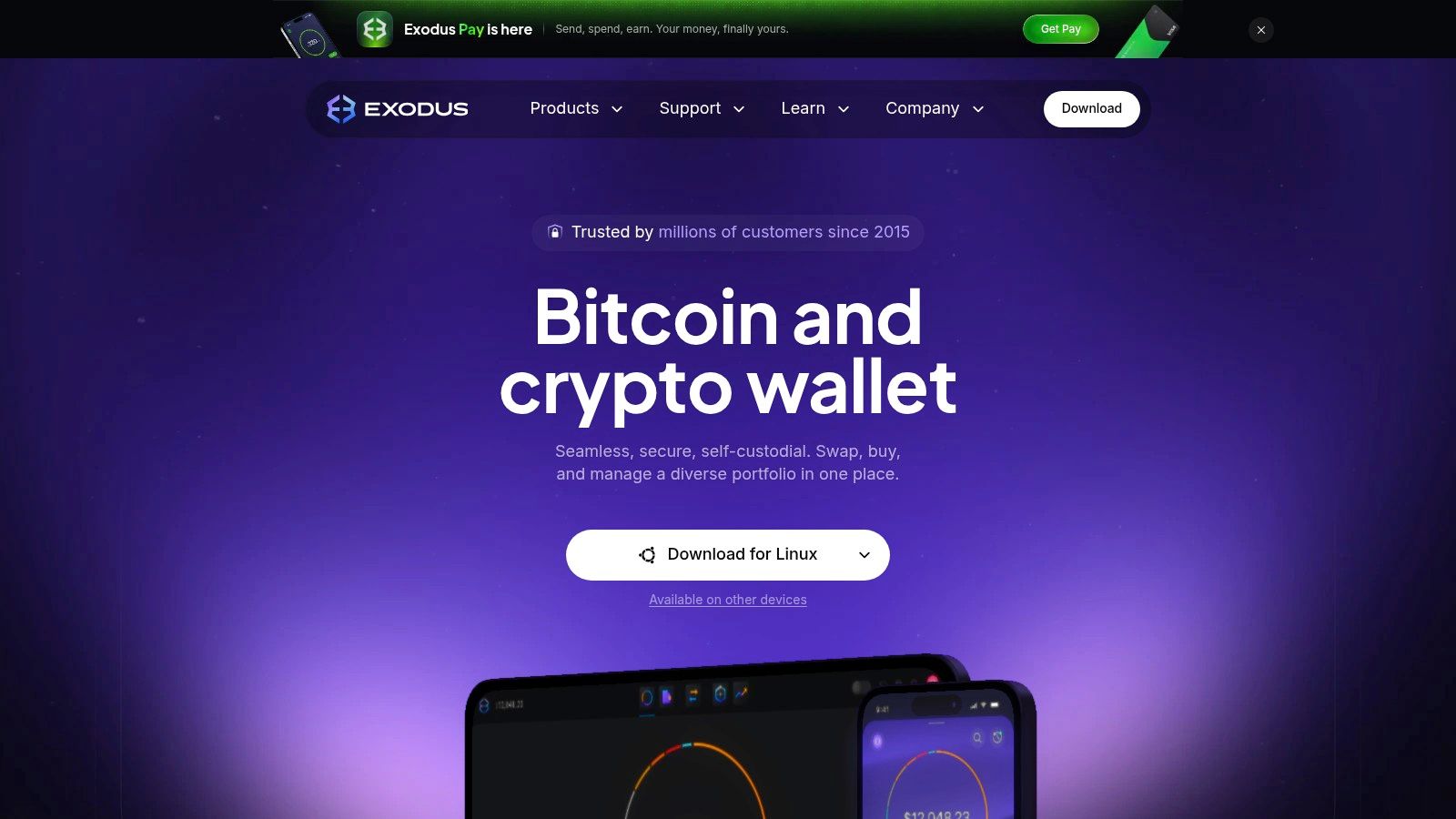
Some wallets are built around Web3 experimentation. Exodus is built around clarity. If you want to open a wallet and immediately understand what you own, where it sits, and what it's worth, Exodus does that better than most.
That's why it works well for beginners who think in terms of a portfolio first and dApps second. The desktop app is especially good. A lot of wallets still feel like they were designed by protocol people for protocol people. Exodus feels like software for actual users.
Best if you want a clean portfolio view
Exodus has long been one of the easiest self-custody wallets to live with day to day. Desktop and mobile both feel polished. The interface doesn't bury balances behind chain labels and token clutter, and the swap flow is straightforward enough for beginners.
It also pairs well with people who like tracking performance and allocations. If that's you, Coiner Blog's guide to the best crypto portfolio trackers fits naturally alongside Exodus because portfolio visibility is one of the wallet's biggest strengths.
- Best use case: Beginners who want a clean desktop and mobile wallet for holding and simple swaps
- What works: Great UI, easy asset overview, approachable for non-technical users
- What doesn't: Built-in swaps aren't usually the cheapest route, and some Web3 functions rely on outside integrations
Exodus is not the wallet I'd choose for deep DeFi experimentation. It is the wallet I'd hand to a friend who wants self-custody without feeling like they've signed up for a protocol engineering class.
7. ZenGo
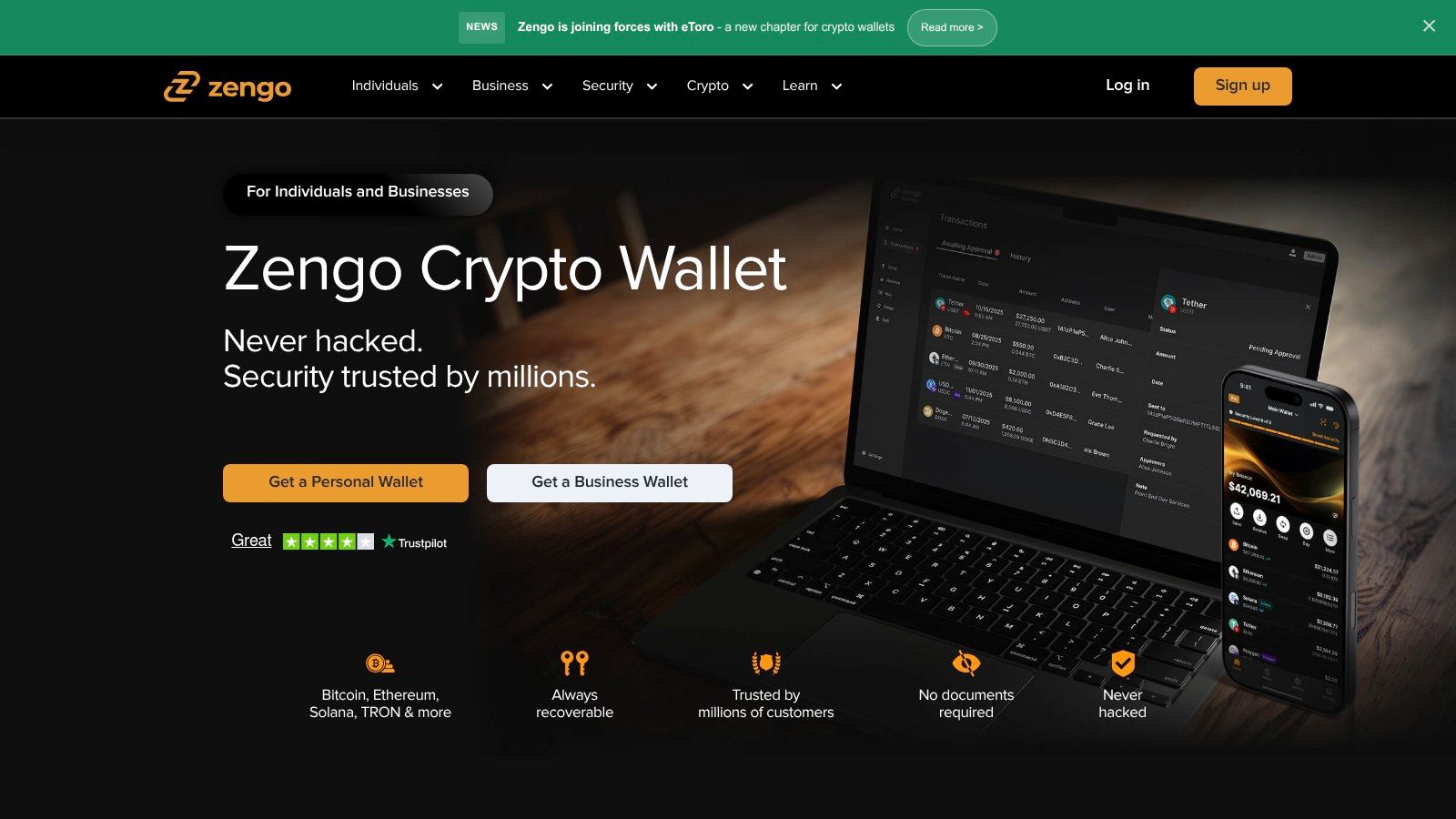
ZenGo exists for one type of beginner in particular. The person who understands that self-custody matters, but doesn't trust themselves with a seed phrase.
That's not a niche problem. It's one of the core reasons wallet design keeps evolving. Traditional self-custody asks beginners to protect a recovery phrase with no room for error. ZenGo's pitch is that you can avoid that failure point while still getting a self-custody-style experience through MPC-based design and biometric recovery.
The wallet for people who hate seed phrases
For many beginners, this is the easiest way to cross the bridge from custodial comfort into self-custody habits. Setup feels closer to a modern finance app than an old crypto wallet. Recovery also feels less brittle.
That doesn't mean there are no trade-offs. Some users prefer the simplicity of a standard seed phrase because it's portable and familiar across wallets. ZenGo asks you to accept a different model and to be comfortable with that dependency.
The broader industry trend supports why wallets like this matter. Grand View Research estimates the global crypto wallet market at USD 15.54 billion in 2025 and projects it to reach USD 100.77 billion by 2033, with a projected CAGR of 26.6% from 2026 to 2033. The same report estimates USD 19.30 billion for 2026, which underscores how much wallet providers are now competing on usability and recovery design, not just raw cryptographic purity (Grand View Research crypto wallet market report).
ZenGo fits that moment. As AI-powered assistants, tokenized assets, and mobile DeFi become more common, beginner wallets that reduce setup friction without dropping security standards are going to keep gaining ground.
8. Robinhood Wallet
Robinhood Wallet makes sense if you already live inside the Robinhood app and want the next step to feel familiar instead of ideological. It's a separate self-custody wallet, not just the brokerage balance screen with extra buttons.
That distinction matters. A lot of beginners want to test self-custody without abandoning the app environment they already trust for investing. Robinhood Wallet is built exactly for that handoff.
A gentle move from app investing into self-custody
The app supports several major networks and gives beginners a simpler route into swaps, transfers, and dApp connections through WalletConnect. It also offers multiple backup options and standard mobile security features like biometrics and PIN protection, which makes setup feel more familiar to mainstream users.
The biggest practical advantage is psychological. Robinhood users don't have to jump from a brokerage app straight into a more intimidating wallet ecosystem. They can move assets into self-custody and learn how address-based transfers work without changing every habit at once.
- Best use case: Robinhood users trying self-custody for the first time
- What works: Clean UX, easier migration from brokerage app to wallet app
- What doesn't: It's newer than the longest-standing wallet brands, and some advanced dApps may still require extra work
Robinhood Wallet is not the most battle-tested crypto wallet on this list. But beginner journeys aren't only about battle-testing. They're also about reducing the number of ways someone can get overwhelmed and quit before they learn anything useful.
9. Ledger Nano S Plus
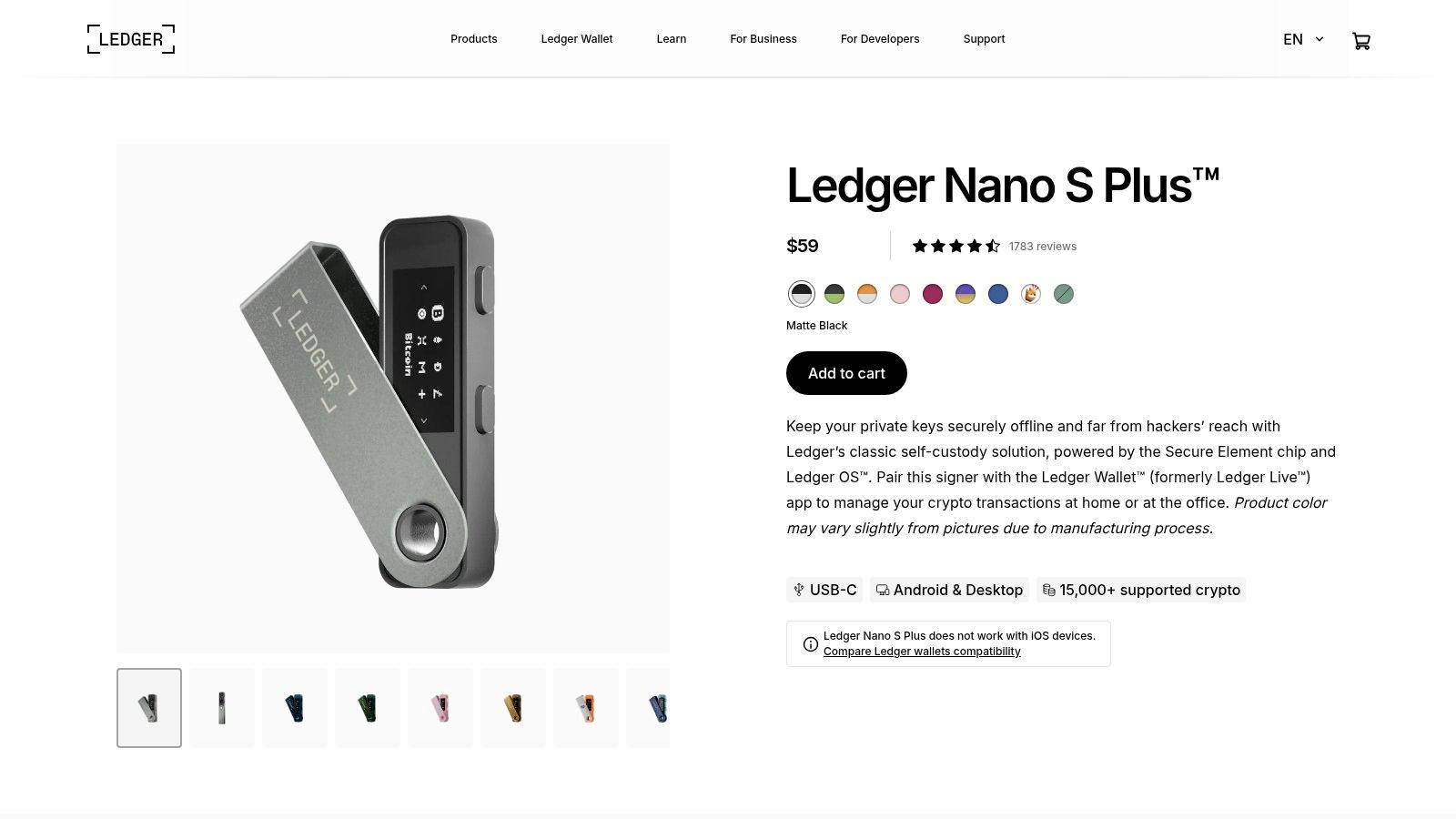
There comes a point where a hot wallet stops being the right answer. That point usually arrives when your crypto balance becomes large enough that convenience should no longer be the main priority.
That's where the Ledger Nano S Plus earns its place. It's an entry-level hardware wallet, which means your private keys stay offline on the device instead of living on an internet-connected phone or browser extension.
When it is time to move serious holdings offline
Ledger gives beginners a clear first step into cold storage without demanding enterprise-level knowledge. You connect the device, initialize it, back up the recovery phrase, and use Ledger's software to manage assets, stake certain tokens, or connect to Web3 apps when needed.
The upside is obvious. Attackers can't drain what they can't remotely access. The downside is also obvious. You now have to manage a physical device and protect the recovery phrase properly.
If you're making the jump to hardware, Coiner Blog's guide on how to avoid crypto scams is worth reading before you buy or restore anything. Hardware wallet users are frequent targets for fake setup pages, counterfeit devices, and phishing prompts.
Buy hardware wallets only from legitimate sources, and verify the source of wallet software or devices before setup.
That advice matters because hot wallets and cold wallets don't just differ in security. They also differ in how easy it is to make a bad setup decision. Ledger is a strong beginner hardware choice, but only if you treat setup as a security process, not as unboxing.
10. Trezor Safe 3
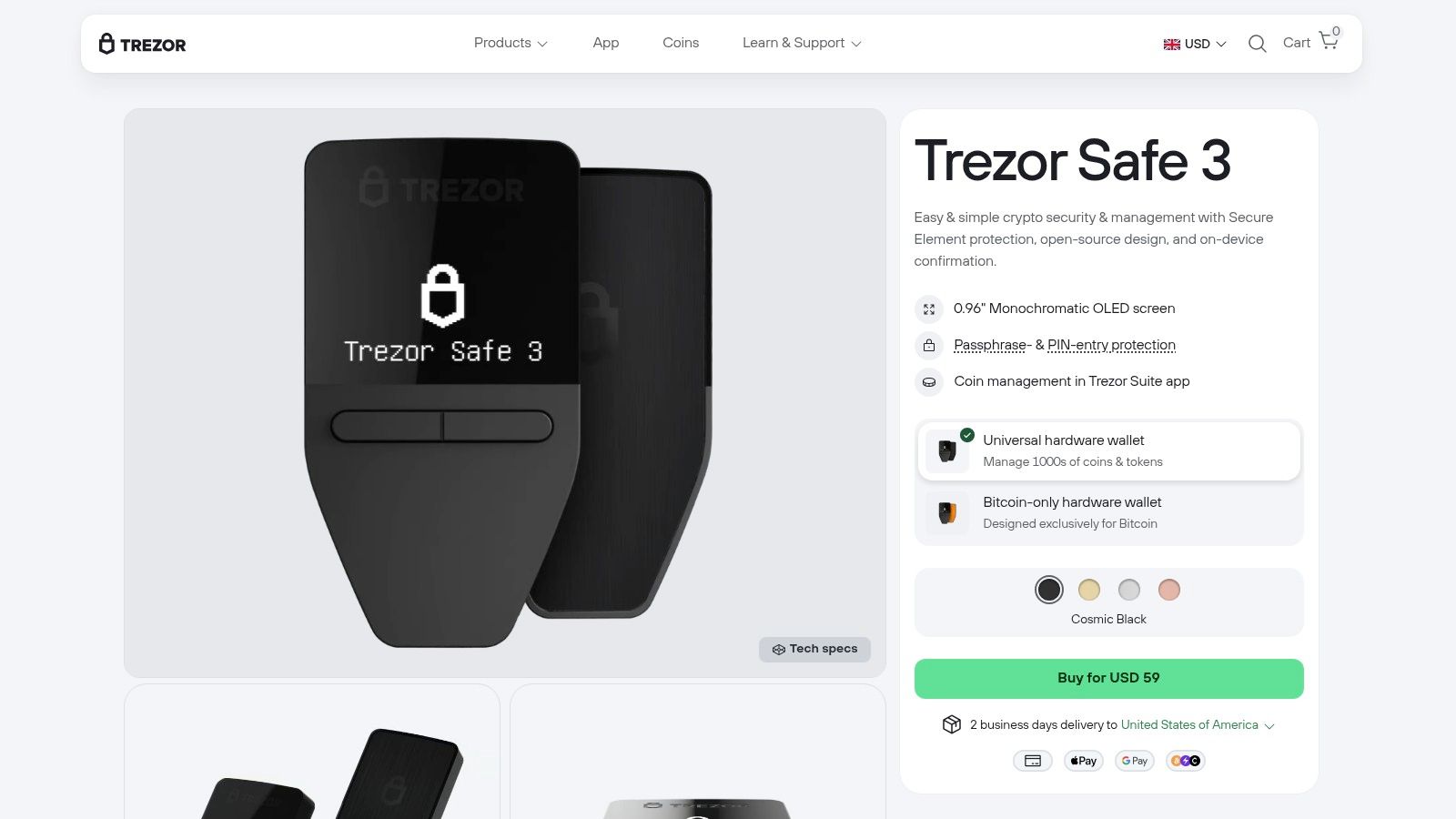
Trezor appeals to a different kind of beginner than Ledger does. Some users want cold storage, but they also care about transparency, open-source culture, and software that feels straightforward rather than branded around a larger ecosystem. That's where Trezor Safe 3 stands out.
It's an entry-tier hardware wallet with a beginner-friendly desktop experience through Trezor Suite, plus the usual benefits of offline key management, PIN protection, passphrase support, and on-device confirmations.
Best for transparent cold storage beginners
Trezor Safe 3 is a good pick for someone who wants to start conservative. Buy assets on an exchange. Learn with a hot wallet if needed. Then move long-term holdings into a dedicated cold device with a cleaner separation between experimentation and storage.
What I like about Trezor for beginners is that the desktop workflow tends to feel calm. You're not constantly nudged toward doing more. That matters when you're trying to build safe habits.
- Best use case: Beginners moving into long-term cold storage with a desktop-first setup
- What works: Clear UX, open-source ethos, room to grow into more advanced privacy tools
- What doesn't: Mobile management is more limited, and the seed phrase still needs careful protection
Trezor isn't “better” than Ledger for every user. It's better for a user who values transparency and a simpler cold-storage relationship. For beginners, that's a meaningful distinction.
Top 10 Beginner Crypto Wallets: Feature Comparison
| Wallet | Key Features (✨) | UX & Quality (★) | Value & Cost (💰) | Target Audience (👥) | Standout (🏆) |
|---|---|---|---|---|---|
| Coinbase Wallet | ✨ Non‑custodial mobile + extension, dapp browser, WalletConnect, NFT & L2 support | ★★★★ Clear security prompts & beginner UX | 💰 Free app; swaps incur gas + Coinbase fees/spread | 👥 Beginners moving to self‑custody / Coinbase users | 🏆 Safety‑first self‑custody onboarding |
| Coinbase (custodial) | ✨ Regulated exchange, fiat on‑ramp, simple buy/sell, optional Web3 mode | ★★★★ Lowest learning curve; support & recovery | 💰 Free to use; trading/withdrawal spreads & fees | 👥 Absolute beginners who want fiat on‑ramp | 🏆 Easiest first purchase & regulated custody |
| MetaMask | ✨ EVM‑first extension & mobile, wide dapp integration, built‑in swaps | ★★★★ Ubiquitous dapp support & community resources | 💰 Free; swaps +0.875% fee + gas | 👥 Ethereum/EVM users & dapp explorers | 🏆 Best EVM compatibility |
| Trust Wallet | ✨ Multi‑chain mobile, swaps, staking, NFT gallery, 100+ chains | ★★★★ Simple UI; highly rated on app stores | 💰 Free; in‑app buys/swaps via third parties | 👥 Multi‑chain explorers & casual stakers | 🏆 Broadest chain support for mobile |
| Phantom | ✨ Solana‑first wallet with NFT gallery, swaps, scam warnings, Ledger support | ★★★★ Fast, polished UX tailored to NFT/gaming | 💰 Free; swap/provider fees apply | 👥 Solana NFT & gaming community | 🏆 Best Solana NFT & GameFi experience |
| Exodus | ✨ Desktop + mobile apps, portfolio UI, on‑chain swaps, NFT support | ★★★★ Very approachable cross‑platform UI | 💰 Free app; swaps include spreads via partners | 👥 Users wanting tidy desktop + mobile views | 🏆 Best desktop & mobile experience |
| ZenGo | ✨ MPC "seedless" keyless tech, biometrics, ClearSign dapp firewall | ★★★★ Fast setup/recovery; audited security posture | 💰 Free app; trust in MPC service; swap fees apply | 👥 Users anxious about seed phrases | 🏆 Seedless self‑custody (MPC) simplicity |
| Robinhood Wallet | ✨ Mobile self‑custody, multi‑chain support, easy Robinhood transfers | ★★★★ Straightforward UX for Robinhood users | 💰 Free; network fees apply for transfers | 👥 Robinhood users moving to self‑custody | 🏆 Seamless Robinhood→wallet flow |
| Ledger Nano S Plus | ✨ Hardware cold wallet, Secure Element (EAL6+), USB‑C, many coins | ★★★★★ Strong offline security; hardware confirmations | 💰 Paid one‑time purchase; high security value | 👥 Long‑term holders & security‑focused users | 🏆 Cost‑effective hardware cold storage |
| Trezor Safe 3 | ✨ Hardware wallet, Secure Element, open‑source firmware, Trezor Suite | ★★★★★ Transparent OSS design; easy desktop UX | 💰 Paid one‑time purchase; secure & auditable | 👥 Users wanting open‑source, audited cold storage | 🏆 Open‑source security & audits |
Your Wallet, Your Web3 Journey
The best crypto wallets for beginners aren't all trying to solve the same problem. That's why so many wallet roundups feel misleading. A good wallet for buying your first crypto isn't automatically a good wallet for using DeFi. A good DeFi wallet isn't automatically a good wallet for storing long-term holdings. And a great cold wallet can still be the wrong starting point if you haven't learned the basics yet.
The smarter way to think about this is in stages.
Stage one is convenience and recovery. That's where a custodial platform like Coinbase still earns its place. You get a simple on-ramp, support, and less risk of locking yourself out while you're still learning wallet basics.
Stage two is self-custody and exploration. In this stage, wallets like Coinbase Wallet, Trust Wallet, MetaMask, Phantom, Exodus, ZenGo, and Robinhood Wallet begin to differentiate themselves by use case. If you want Ethereum and Layer 2 access, MetaMask still matters. If you want a smoother Solana and NFT experience, Phantom makes more sense. If you want broad multi-chain support in one app, Trust Wallet is easier to live with. If you want a cleaner portfolio view, Exodus is hard to beat. If seed phrases make you nervous, ZenGo is one of the most practical bridges into self-custody.
Stage three is protection. Once your holdings grow, cold storage stops being optional and starts becoming the responsible move. Ledger Nano S Plus and Trezor Safe 3 both solve that problem well. The right one depends less on brand loyalty and more on which setup and philosophy you're comfortable maintaining for years.
A lot of beginners also need to think about where crypto is going, not just where it's been. Wallets increasingly sit at the center of AI-linked onchain tools, tokenized real-world assets, NFT identity, Layer 2 payments, DeFi access, and smart contract authorization. In other words, your wallet is becoming less like a folder for coins and more like your operating system for Web3.
The biggest mistake is waiting for a perfect choice. There isn't one. Start with the wallet that matches your current skill level, risk tolerance, and goals. Then upgrade your setup as your habits improve.
That's how most experienced users got here, too. They didn't begin with flawless self-custody discipline. They learned one stage at a time.
If you want more practical crypto guides like this, visit Coiner Blog. It's a useful resource for beginners and experienced users who want clear breakdowns on wallets, DeFi, blockchain basics, NFTs, crypto gaming, Layer 2 ecosystems, AI and crypto trends, and the trade-offs behind digital asset ownership.